Skip to content
Bouchons

Wine cellar management: every bottle in its place

A cellar fills up faster than it empties. A few cases brought back from holiday, a gift, a box picked up at a wine fair, and soon nobody is sure what sleeps behind the door. Keeping an inventory means opening your bottles at the right time, not buying what you already have, and knowing what you've spent. Here is how to go about it, with or without a tool.

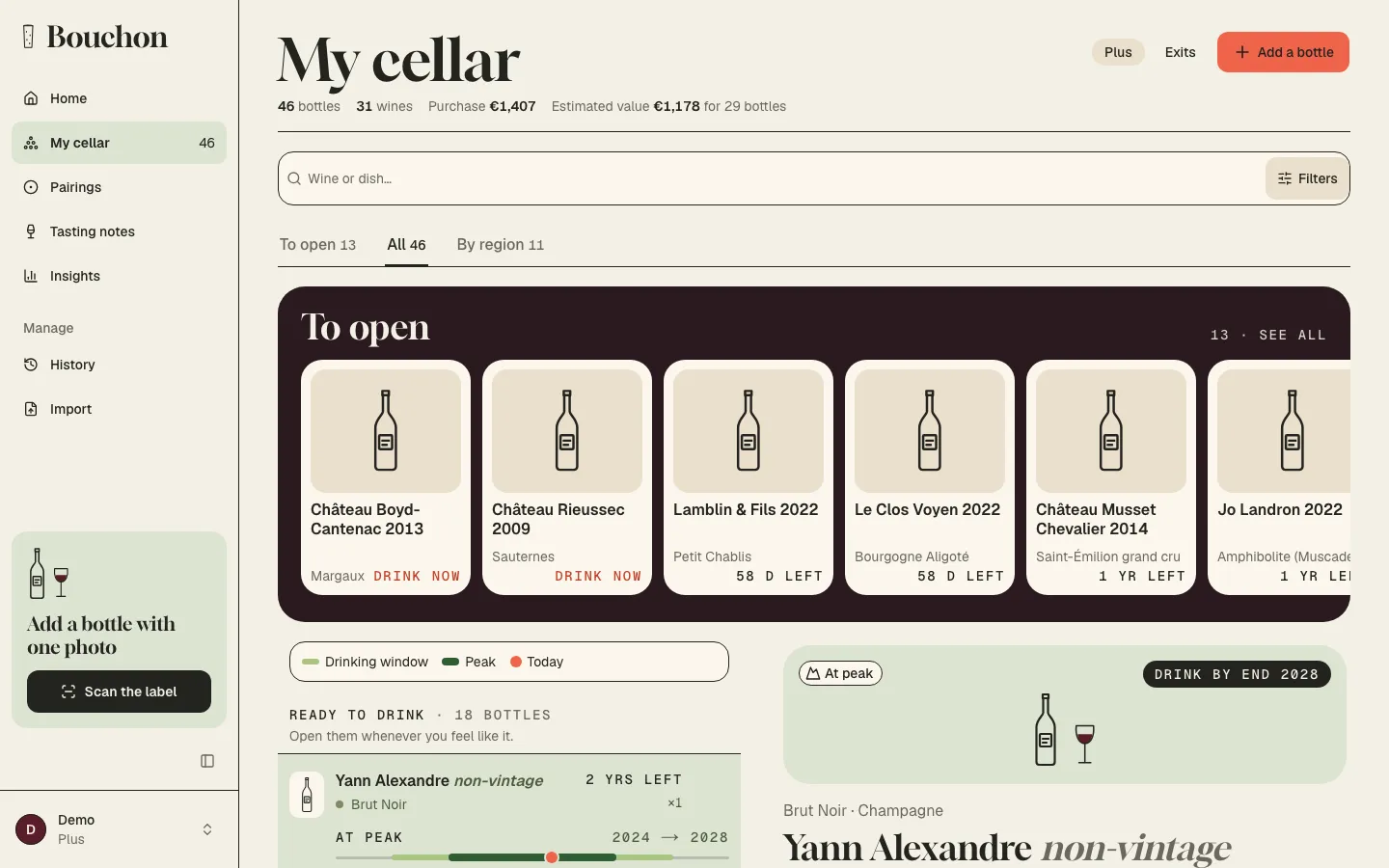
The cellar on a computer: bottles grouped in blocks, from the most pressing to those that can wait, each with its drinking-window timeline
  • Nothing to install: in your browser, on phone and computer
  • One-click Google sign-in
  • Export your cellar as CSV, any time
  • In English and French

Why keep an inventory of your cellar

A home cellar rarely gets lost all at once. It happens one bottle at a time: a wine slipped to the back, under two boxes, goes past its best with nobody noticing. Another one, bought again because you'd forgotten the first, takes the place of a wine you would have liked to discover.

In the evening, hand on the cellar door, the same questions come up: what do I have?, what's ready?, what would go with dinner? Without a list you answer by guesswork, and you open the bottle that's easiest to reach rather than the right one.

There is no minimum size. At twenty bottles a list already saves you from forgetting; at two hundred you can't do without one. A notebook or a spreadsheet works at first, then falls behind: you have to cross out each bottle you open, recount, find the right line. An online cellar does that work for you, and it's always with you.

It opens in the browser, on your phone as well as your computer, with nothing to install. Add it to your phone's home screen and it opens like an app, with one tap, while you stand in front of your racks.

Getting started costs nothing. The free plan is enough for a small cellar, with every feature, and the Plus subscription takes over the day your cellar grows. The details are on the pricing page.
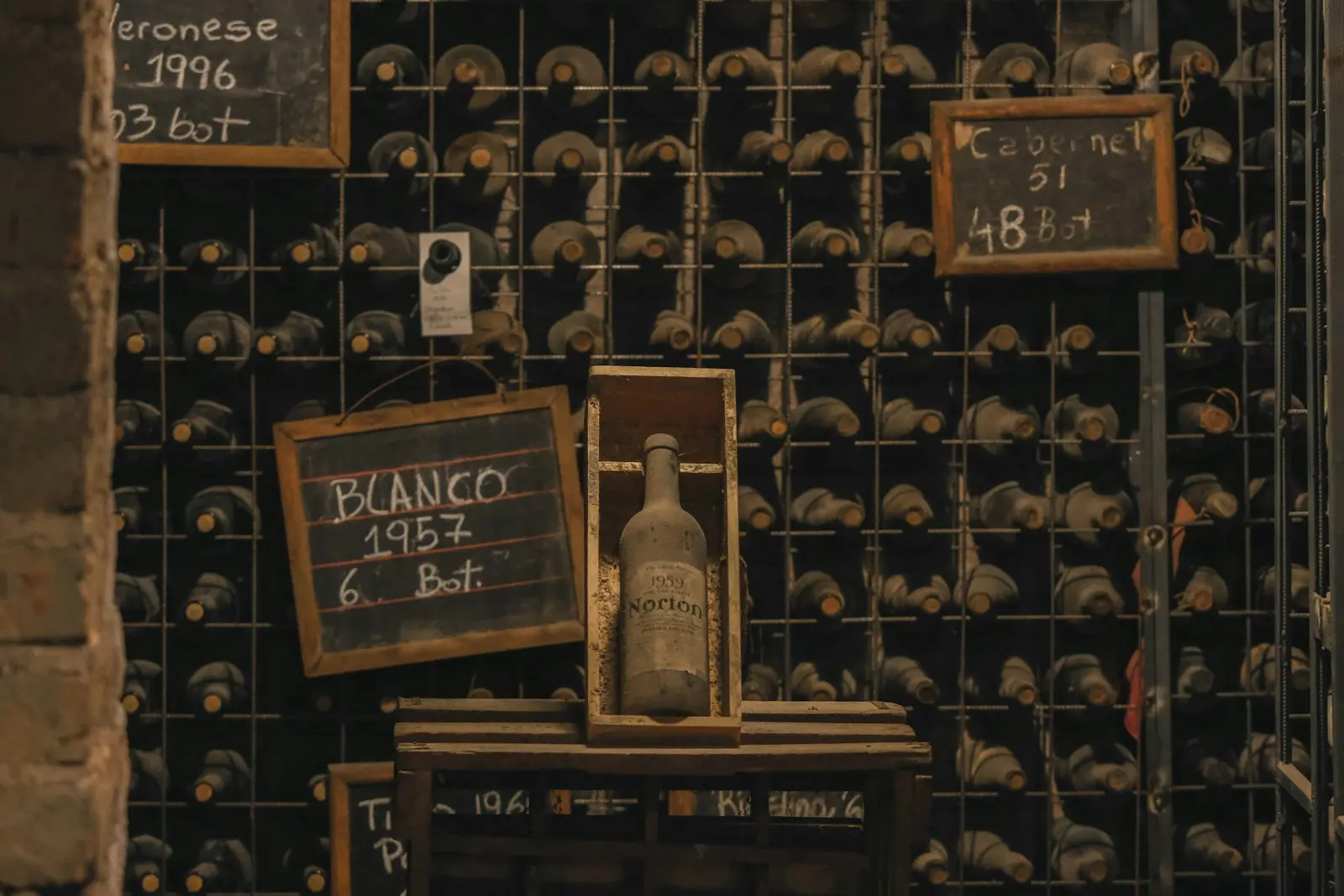
Cellar racks full of bottles, with chalkboards listing the wine, the vintage and the number of bottles

What to record for each bottle

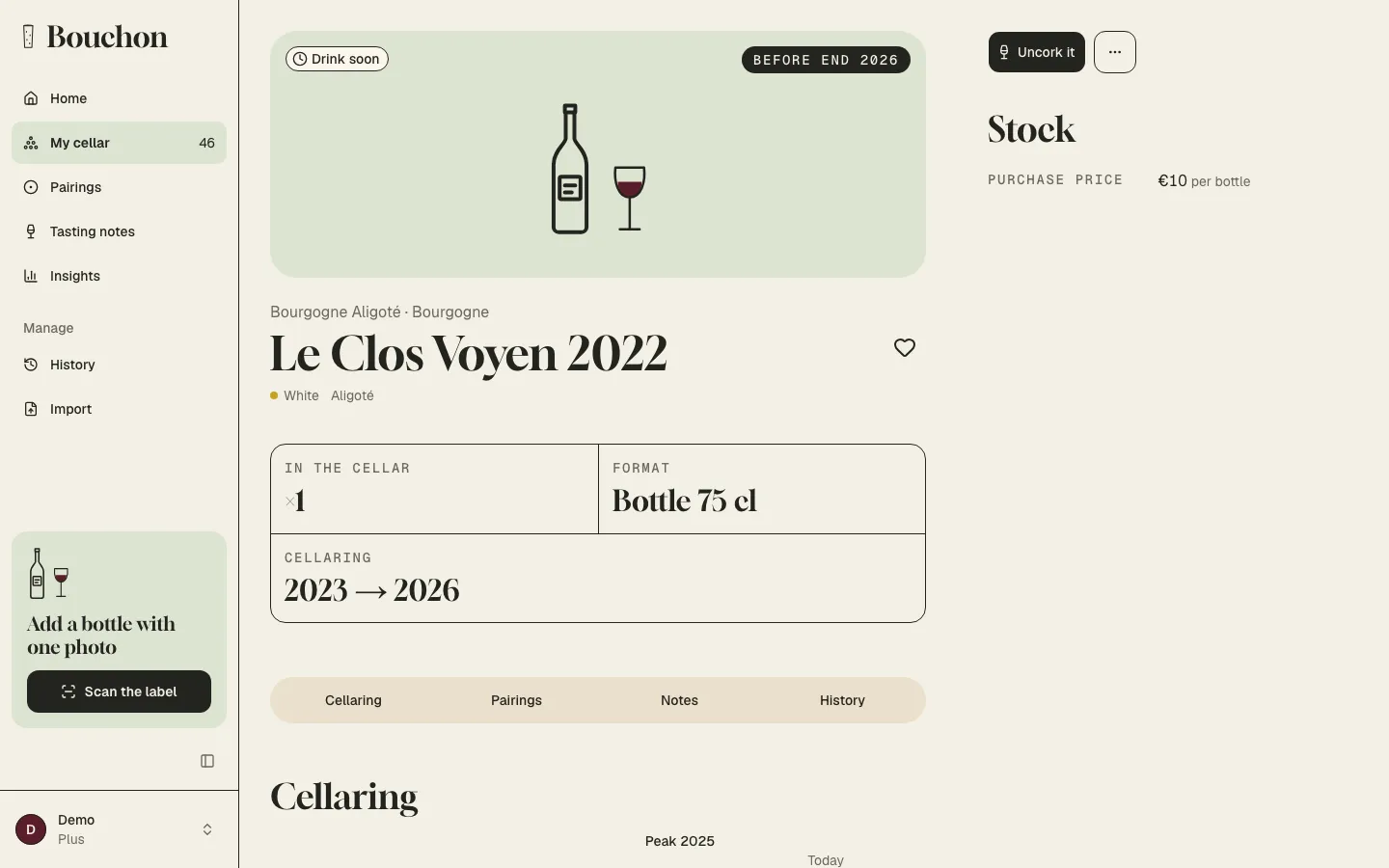
A good record takes only a few lines. First the wine: the producer, the cuvée, the appellation or region, the colour and the vintage. Then the quantity and the format, because a half bottle and a magnum don't age at the same pace.

Add what would be hard to find again later: the price you paid, and the date and place of purchase. A year on, those three lines tell you what your cellar is worth, and whether your wine shop gave you good prices. A free note and a few tags ("gift from Paul", "for the 40th birthday") round off the record.

Then the question that matters most: when should you open it? Each record carries a drinking window, from the first year the wine will be good to the last, with its peak. We suggest it from the wine and the vintage, and you can always change it. The drinking window page explains how we estimate it.

If you photographed the label, the picture stays on the record. The day you want to buy that wine again, you show it to the merchant and get the right cuvée without mixing up two bottles that look alike.

To keep things quick, "A new bottle" shows only the essentials, and "Add it, and another" keeps the wine for the next one. Quicker still: photograph the label and the record fills itself in, or import in one go the list you kept elsewhere. It's all on the label scan and import page. If the wine is already in your cellar, we tell you, and you simply raise the quantity.

A bottle's record: producer, cuvée, vintage, drinking window, tasting note

Organising your cellar by locationComing soon

Knowing what you have isn't always enough: you still have to find the bottle. In an underground cellar or a kitchen cabinet, the most reliable method is the same. Split the space into zones (the top rack, the wine fridge in the living room, the boxes in the garage), then, if your racks allow it, into rows and columns.

Group what will be drunk at the same time rather than by region: this year's wines within easy reach, long-ageing ones at the back, away from light and temperature swings. Keep bottles lying down, away from vibration, and note the location as you put a bottle away, not later.

We're preparing a view by location: your zones, their grid of slots and, for each bottle, the exact spot where it rests. It's still in development and not open to everyone yet. Until then, a tag or a note on the record ("rack B, row 3") does the job nicely.

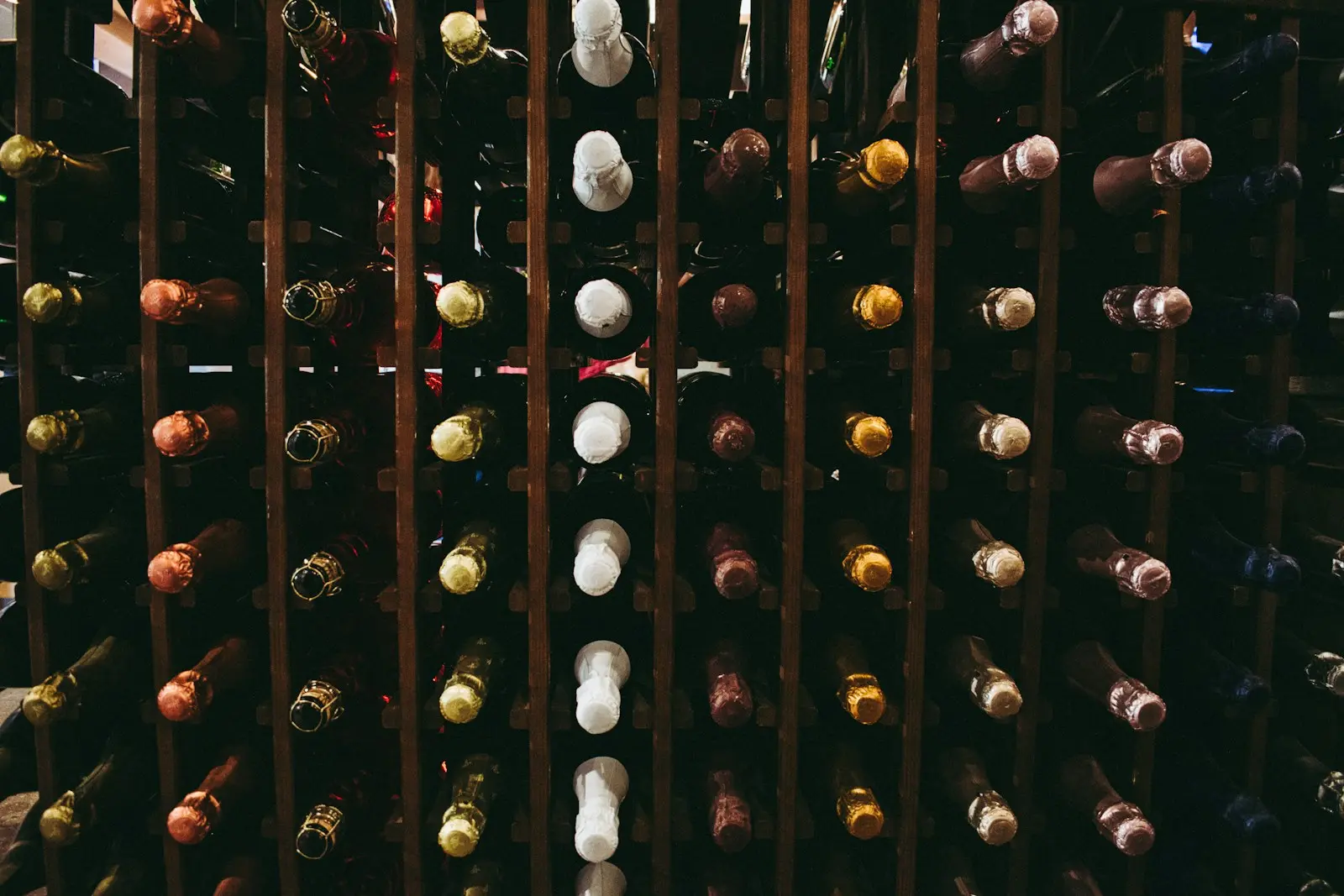
A wooden rack seen from the front, full of bottles lying down

Track what you open, give away and spend

A cellar that lives also means bottles going out. When you open one, "Uncork it" is all it takes: the quantity goes down and the exit is dated. Did the wine please you, or let you down? Give it some stars, a few words on the nose, the palate and the finish, and say whether you'd buy it again. Your notes go into your tasting notebook.

Bottles given away, sold or broken have their place too, in the Exits tab, grouped by type, the most recent first. You know who you gave that Bordeaux to, and how many bottles you really drank this year.

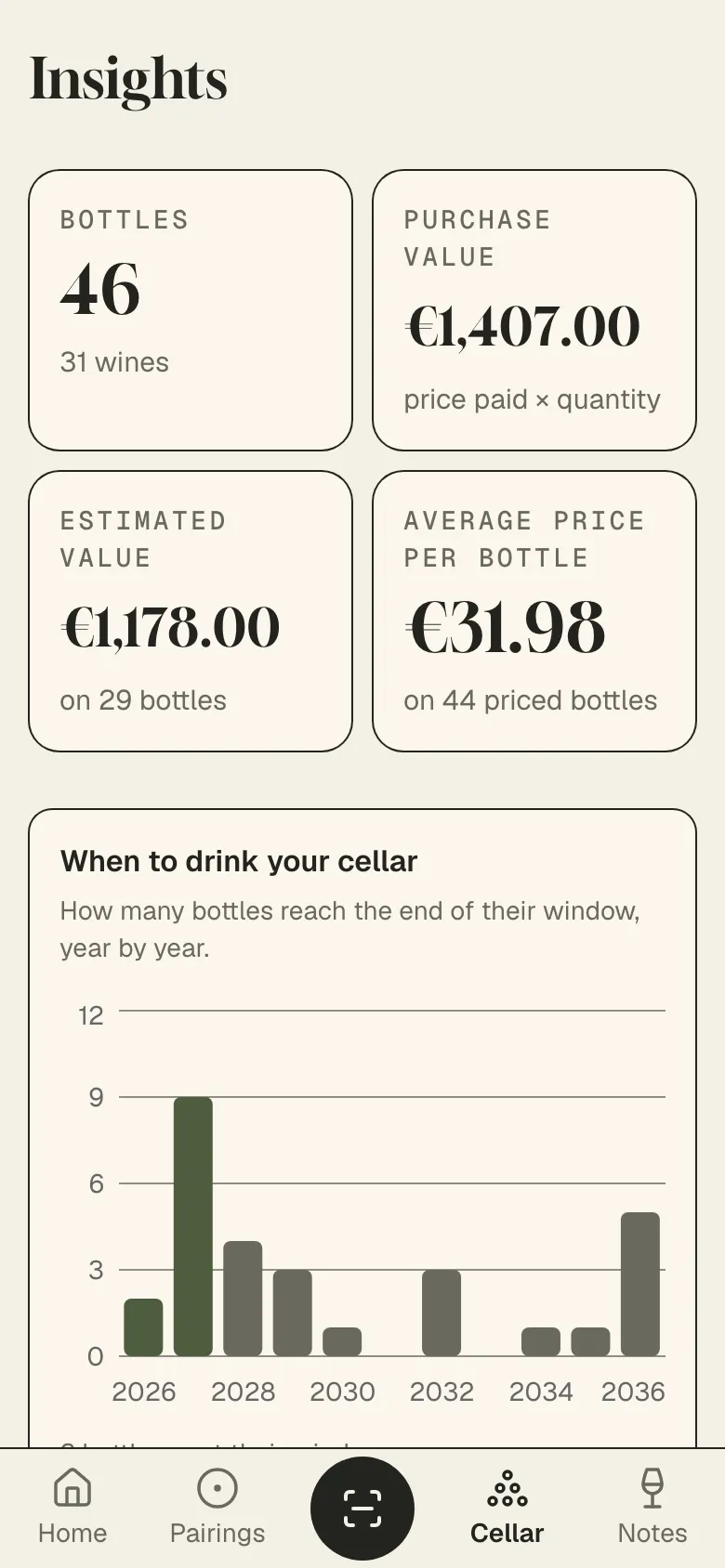
Insights turns all of this into figures: the number of bottles, what the cellar cost you, the average price per bottle, your spending month by month over a year, the split by colour, region and vintage, and how many bottles reach the end of their window each year. Enough to decide whether to buy more, or open what you have.

On an evening with guests, search My cellar by wine name or by dish: the list keeps only the bottles that go with what you're serving. The details are on the food and wine pairing page.

Insights on a phone: number of bottles, purchase value and average price of the cellar

How it works, in practice

  1. Sign in with Google

    One click, no password to create. Your cellar is ready, on your phone and your computer.

  2. Add your bottles

    A photo of the label, a quick entry or an import of your old list: within a few minutes, your cellar is online.

  3. Open at the right time

    Your cellar sorts itself by what's ready. You open a bottle, you write a note, the quantity follows.

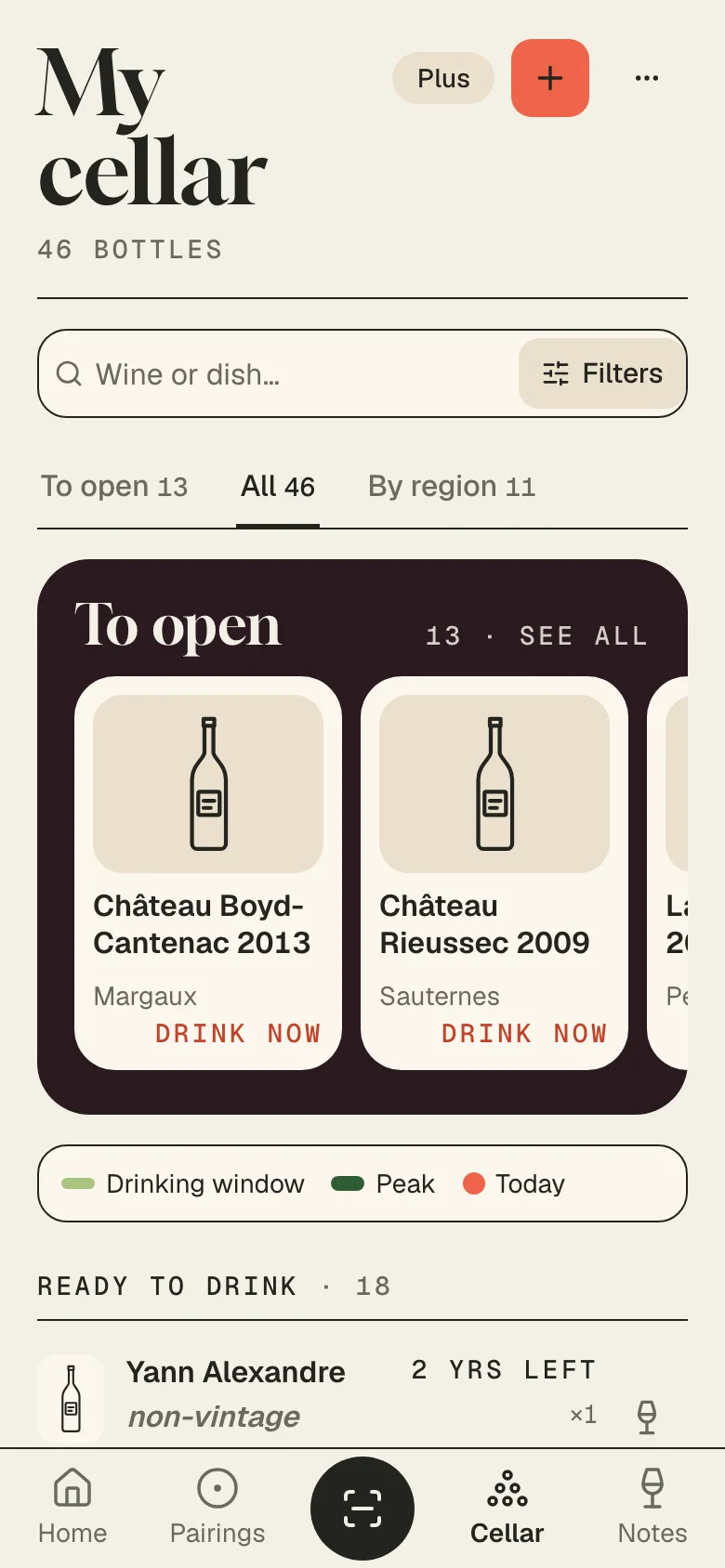
My cellar on a phone, with the "Wine or dish" search field and the bottles to open first

Frequently asked questions

Tonight, open the right one.

Free up to 10 bottles. No credit card.